Compare the workflow your team needs
Both apps offer time tracking and timesheet approvals. Check which edition includes your required features before you choose.
This comparison covers Jira Cloud. Modul4r makes Daylight. The Clockwork details below link to HeroCoders’ own documentation.
| Your requirement | Daylight | Clockwork |
|---|---|---|
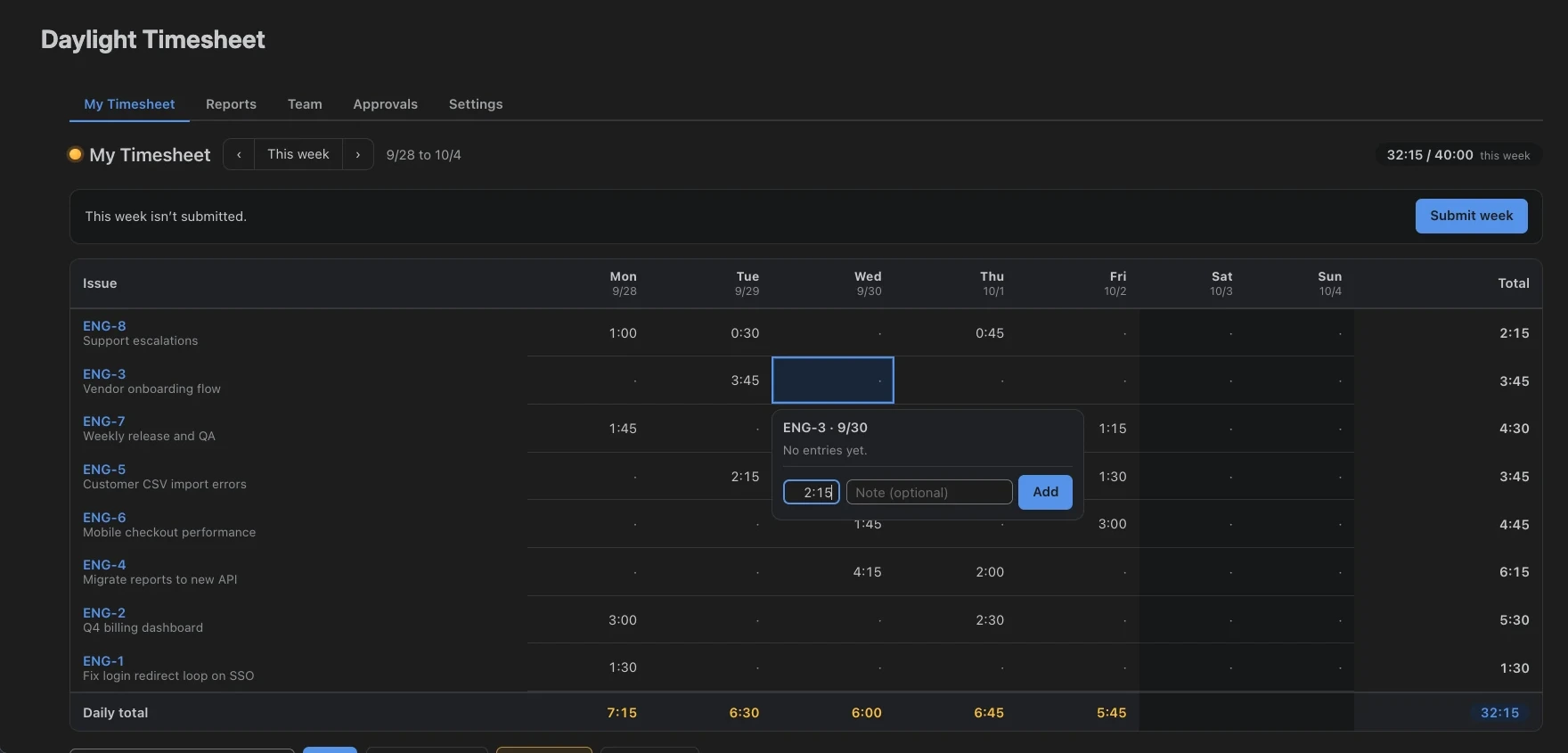
| Log and review time | Timers, quick logging, native Jira worklogs, and an editable weekly grid. | Manual and automatic timers, timesheets, and calendar views in Pro and Lite. Lite has calendar limitations. Edition comparison ↗ |
| Submit and approve a period | Weekly or monthly submissions, team approvers, and locking inside Daylight. Included in every plan. | Pro includes review periods, submission, approval, and requests for updates. Approvals are unavailable in Lite. Approval documentation ↗ |
| Review billable time and configured costs | Billable flags, hourly rates, project budgets, and cost reporting. | Pro includes hourly costs, billing rates, and billable filters. Budgeting permissions control access. Cost and rate documentation ↗ |
| Export the report | CSV reports with hours, billable flags, configured rates, and costs. Inspect the sample CSV → | Worklog exports in Pro and Lite. Timesheet and totals exports require Pro. Export documentation ↗ |
| Check independent trust signals | Runs on Atlassian. No external app servers or app data sent outside Atlassian. Verify the listing ↗ | Cloud Fortified and Marketplace Bug Bounty participation. Verify the listing ↗ |
| Check the price for your site | Free for up to 10 Jira users. One feature set across paid tiers. See Daylight pricing → | Separate Pro and Lite editions. Use the current Marketplace quote for your Jira user tier. Get the Clockwork Pro price ↗ |
Sources checked November 17, 2026. Runs on Atlassian and Cloud Fortified are different programs. Compare each vendor’s security documentation against your requirements. Features and pricing can change.
Try the whole review before you install
Complete Maya’s fictional week in the interactive demo. Submit the period, review it as Alex, and export the report.
The sample report shows the CSV columns, billable split, and configured costs. It uses fictional entries, so you can check the output without connecting Jira.
Check the fit with one real project
- List the reports, permissions, integrations, and approval rules your team needs.
- Check those requirements against both apps and their available editions.
- Use the one-week team trial checklist to test Daylight with one project and a separate approver.
- Compare exported hours and configured costs with your expected totals before you switch.
Period locks apply inside each app. Direct Jira edits and other apps follow Jira’s permissions. Read Daylight’s approval and locking guide before you set up your process.
Daylight’s documented import covers Tempo’s raw CSV export. Check your migration requirements before moving Clockwork-specific settings or attributes.
Keep your time data on Atlassian
Daylight writes entries as native Jira worklogs. They remain in Jira if you uninstall the app. Read the security details and privacy policy for the Jira app and website.
Comparing more than two tools? Read the Daylight and Tempo comparison.