Compare the features you use today
Choose Daylight if your team needs timers, editable timesheets, approval periods, and reports by person and project. Rates, monthly budgets, CSV exports, and R&D time exports are included.
Keep your current requirements in view. Tempo offers a broader product family, including integrations, additional reporting products, and capacity planning. Daylight does not replace that full suite.
| What to compare | Daylight | Tempo |
|---|---|---|
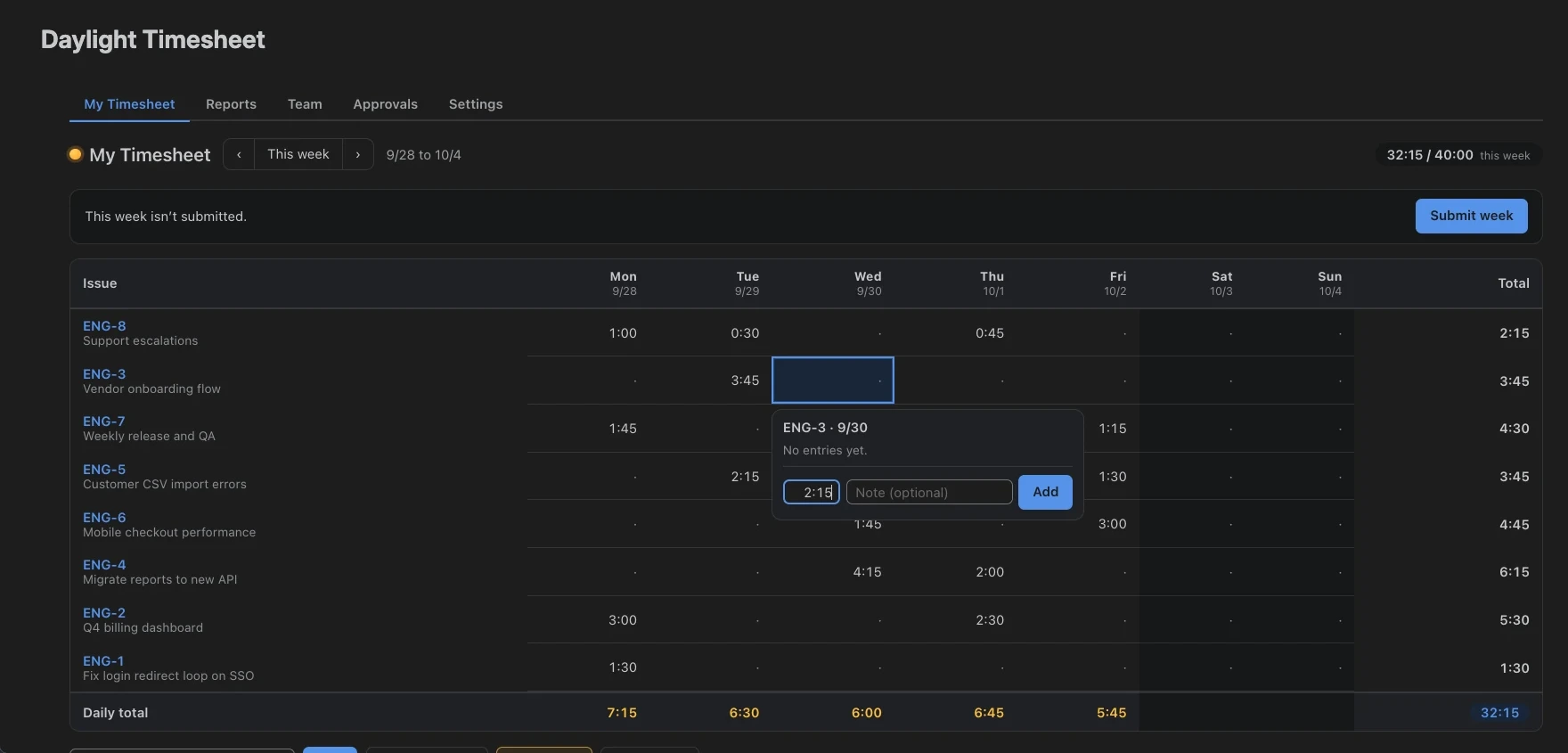
| Time tracking | Timers, quick logging, and an editable weekly grid | Time tracking and timesheets, with additional integrations |
| Approvals | Weekly or monthly submissions with period locking in Daylight | Timesheet approvals and project time approvals |
| Reports | Hours by issue, project, person, client account, and entry field; rates, budgets, and CSV exports | Time reporting with additional financial and reporting products available |
| Client accounts | Billing accounts linked to one or more projects, with account and person-on-account rates | Tempo accounts, linked to projects |
| Fields on each entry | Up to 10 pick-list, text, number, or yes/no fields, required or optional | Work attributes |
| Switching | Import from Tempo’s raw CSV export, with a preview and an undo | Not applicable |
| Time not on an issue | Categories such as Vacation and Sick from one internal Jira project, never billable | Internal issues |
| Schedules and holidays | Hours per weekday and holiday sets with half days, per team or person | Workload schemes and holiday schemes |
| Audit log | Every add, change and delete, in Daylight or in Jira, with changes to locked periods flagged | Check Tempo’s current documentation |
| Capacity planning | Not included | Available through Tempo Capacity Planner |
| Pricing | Free for Jira sites with up to 10 users; one paid plan includes all Daylight features | Depends on the Tempo products and user tier you choose |
Comparison reviewed October 19, 2026. This page is written by Modul4r, the maker of Daylight. Tempo details come from its Timesheets product page, workload scheme idea, project approval documentation, and team documentation. Check each vendor’s current offering before purchase.
Keep ownership of your Jira worklogs
Daylight writes time into Jira’s own worklog system, under the person who logged it. Those entries remain in Jira if you uninstall Daylight. The app runs on Atlassian Forge and sends no time data to external servers.
Try one approval period before you switch
- List the reports, integrations, approval rules, and planning features your team uses today.
- Export the records and settings you need from your current tool.
- Install Daylight and add your client accounts and entry fields. Tempo account exports import as CSV.
- Export Tempo’s raw logged-time data and import it in Settings → Import from Tempo.
- Try one approval period and compare the exported totals with your current process.
The import finds the Jira copy of each Tempo entry and stores the real person, the description, the account, billable hours, and work attributes beside it. You see a preview before anything is saved, and one undo removes the whole import. Jira itself does not change. Read the import steps →
Check the cost for your Jira site
Daylight is free for Jira sites with up to 10 users. Paid subscriptions include all features and a 30-day trial. Atlassian bills by your Jira site’s user count.
Monthly pricing is graduated. On paid sites, the first 100 users are US$2.50 each per month, the next 150 are US$2.00 each, and the next 750 are US$1.50 each. Further bands have lower rates. A 150-user site totals US$350/month.
Annual billing uses fixed user tiers with different boundaries. For example, 150 users falls into the 101–200 tier at US$4,500/year. Use the Marketplace calculator for your annual quote.